Production prompts.
Two complete production prompts and an eight-point judging gate. Download the existing pack and start with a brief you can examine.
Download the free pack ↗FRAMELOCK / LEARN
A lesson becomes useful when you put it into a frame. Start with the setup, study a workflow, or bring a work in progress back for feedback.
START HERE / ANIMATION STATION
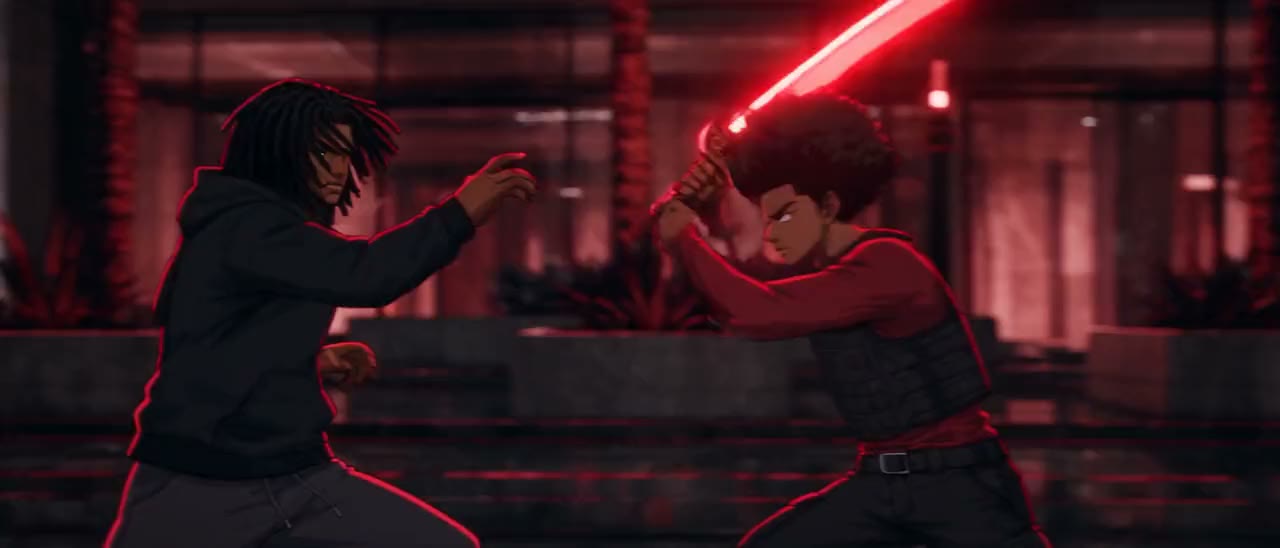
One recorded walkthrough. Twelve chapters. Fourteen minutes. Install the tools, connect the workflow, keep a character consistent, and learn how to correct a take.
Explore the course ↗Two complete production prompts and an eight-point judging gate. Download the existing pack and start with a brief you can examine.
Download the free pack ↗Convert a video into a depth reference for blocking and camera motion. The tool processes your clip in your browser.
Open the depth tool ↗A practical guide to feedback that names a moment, explains what reads, and gives the next version a clear job.
Read the Frame Notes guide ↗WORKFLOWS / CURRICULUM PREVIEW
Preview the six-stage production curriculum in development, from visual rules and asset preparation to review and delivery.
View the curriculum outline ↗BREAKDOWNS
Browse Framelock’s public films and animation studies. Watch for a specific decision: the camera, the rhythm, the light, or the cut.
Try the free shot review ↗FROM PRACTICE TO PORTFOLIO
Describe what you tried and the feedback you want. Save a private project draft on this device, ready for your next revision.
Start a course exercise ↗